Lessons from the breach:
- A flat network with a single permissive security group means that any compromised instance has direct access to every other instance, including your database — subnet isolation is not optional, it is the primary control.
- NACLs on the data subnet should explicitly deny all traffic except the specific ports from the specific app-tier CIDR, because security groups alone can be modified by anyone with EC2 permissions and you need a second layer that requires VPC-level access to change.
- VPC Flow Logs with a CloudWatch alarm on rejected packets from unexpected source CIDRs would have caught the lateral movement hours earlier, before the attacker had time to enumerate the database.
This is the standard pattern for web applications:
 Internet
 ↓
 [ Internet Gateway ]
 ↓
 ┌─────────────────┴──────────────────┐
 ↓ ↓
 [ ALB in Public Subnet AZ-a ] [ ALB in Public Subnet AZ-b ]
 ↓ ↓
 └────────────┬───────────────────────┘
 ↓
 ┌────────────┴────────────┐
 ↓ ↓
 [ App Server ] [ App Server ]
 Private Subnet AZ-a Private Subnet AZ-b
 ↓ ↓
 └────────────┬────────────┘
 ↓
 ┌────────────┴────────────┐
 ↓ ↓
 [ Database ] [ Database Standby ]
 Private Subnet AZ-a Private Subnet AZ-b
Three tiers:
- Public tier — Load balancer, NAT gateways. Internet-accessible.
- Private app tier — Application servers. No direct internet access.
- Private data tier — Databases. Completely isolated.
Step 1: Create the VPC
- Go to VPC Console
- Click Create VPC
- Select VPC only (not VPC and more — we'll add subnets manually)
- Name:
production-vpc - IPv4 CIDR:
10.0.0.0/16(65, 536 IP addresses) - Click Create
Enable DNS hostnames (needed for RDS and some other services):
- Select your VPC
- Actions → Edit VPC settings
- Enable DNS hostnames
- Save
Step 2: Create Subnets
We need 6 subnets: 2 public, 2 private app, 2 private data, spread across 2 availability zones.
- VPC → Subnets → Create subnet
- Select your VPC
Create these subnets:
| Name | CIDR | AZ | Type |
|---|---|---|---|
| public-subnet-1a | 10.0.1.0/24 | us-east-1a | Public |
| public-subnet-1b | 10.0.2.0/24 | us-east-1b | Public |
| private-app-1a | 10.0.10.0/24 | us-east-1a | Private |
| private-app-1b | 10.0.11.0/24 | us-east-1b | Private |
| private-data-1a | 10.0.20.0/24 | us-east-1a | Private |
| private-data-1b | 10.0.21.0/24 | us-east-1b | Private |
The CIDR ranges are just a convention. The key is: don't overlap, and leave room for future expansion.
Step 3: Internet Gateway
An internet gateway attaches to your VPC and routes traffic to/from the public internet. One per VPC, no bandwidth limits, no hourly charge.
- VPC → Internet gateways → Create internet gateway
- Name:
production-igw - Create
- Select it → Actions → Attach to VPC → Select your VPC
Step 4: Route Tables
Two route tables: public subnets get a default route to the internet gateway, private subnets get a default route to the NAT gateway.
Public Route Table
- VPC → Route tables → Create route table
- Name:
public-rt - VPC: Select your VPC
- Create
Add internet route:
- Select public-rt → Routes tab → Edit routes
- Add route:
0.0.0.0/0→ Target: Internet Gateway → Select your IGW - Save
Associate with public subnets:
- Subnet associations tab → Edit subnet associations
- Select public-subnet-1a and public-subnet-1b
- Save
Enable Auto-assign Public IP
Public subnets need auto-assigned public IPs:
- Subnets → Select public-subnet-1a
- Actions → Edit subnet settings
- Enable auto-assign public IPv4 address
- Save
- Repeat for public-subnet-1b
Step 5: NAT Gateway
Private subnet instances cannot reach the internet directly. They still need outbound access for OS updates and external API calls. A NAT gateway handles this — outbound traffic goes through it, but nothing unsolicited comes back in. AWS charges $0.045/hour per NAT gateway plus $0.045/GB of data processed. That is $32/month just for the gateway to exist, before a single byte passes through it. For what amounts to a managed iptables MASQUERADE rule on a hidden EC2 instance, that pricing is absurd. A t3.nano running NAT in software costs $3.80/month. AWS knows you need this for any private subnet architecture and prices accordingly.
- VPC → NAT gateways → Create NAT gateway
- Name:
nat-gw-1a - Subnet:
public-subnet-1a(NAT gateway goes in a PUBLIC subnet) - Elastic IP: Click "Allocate Elastic IP" (costs money when not attached to anything)
- Create
For production, create a second NAT gateway in public-subnet-1b. For a staging or dev environment, one is enough.
🔒 The fix that actually mattered:
The NACL on the data subnets (private-data-1a, private-data-1b): inbound rule 100 ALLOW TCP 5432 from 10.0.10.0/23 (the app-tier CIDR range only), inbound rule * DENY all traffic. Outbound rule 100 ALLOW TCP 1024-65535 to 10.0.10.0/23 (ephemeral ports back to app tier), outbound rule * DENY all. That is the entire ruleset. The database subnets cannot talk to anything except the app servers on the Postgres port, and the app servers cannot be reached from the public subnets. The attacker's SYN scans would have hit DENY at the NACL before the security group even evaluated.
Private Route Table
- Create route table:
private-rt - Add route:
0.0.0.0/0→ Target: NAT Gateway → Select your NAT gateway - Associate with all 4 private subnets
Private instances can now pull updates and call external APIs. Inbound connections from the internet still cannot reach them.
💡 No internet from private subnet?
Instance can't reach the internet from a private subnet? Walk the path: does the route table have a 0.0.0.0/0 route to the NAT gateway? Is the NAT gateway in a public subnet? Does that subnet's route table have a route to the internet gateway? Every link in the chain has to be there.
Step 6: Application Load Balancer
The ALB goes in the public subnets. It forwards requests to your app servers in the private subnets.
- Go to EC2 → Load Balancers
- Create load balancer → Choose Application Load Balancer
- Name:
production-alb - Scheme: Internet-facing
- IP address type: IPv4
Network Mapping
- VPC: Select your VPC
- Mappings: Select both AZs and their public subnets
Security Group
Create a new security group for the ALB:
- Name:
alb-sg - Inbound: HTTP (80) from 0.0.0.0/0
- Inbound: HTTPS (443) from 0.0.0.0/0
Target Group
- Create a target group
- Target type: Instances
- Name:
app-targets - Protocol: HTTP, Port: 80
- VPC: Your VPC
- Health check path:
/health(or/if you don't have a health endpoint)
Leave the target group empty for now. Instances get registered after launch.
Listener
Set the default listener action to forward to your target group. Create the ALB.
Step 7: Launch App Servers
Create EC2 instances in the private app subnets:
- Launch Instance
- Select your VPC
- Subnet:
private-app-1a - NO public IP (it's a private subnet)
Security Group for App Servers
- Name:
app-sg - Inbound: HTTP (80) from
alb-sg(the ALB's security group, not 0.0.0.0/0) - Inbound: SSH (22) from your bastion host (we'll create one) or VPN
App servers accept traffic ONLY from the load balancer, not from the internet directly.
Register with Target Group
- EC2 → Target Groups → app-targets
- Register targets
- Select your instances
- Include as pending
Step 8: Bastion Host (Jump Box)
A bastion host is a small instance in the public subnet. You SSH to it first, then jump to private instances from there. Nothing else should have a public IP.
- Launch a t2.micro in public-subnet-1a
- Security group: SSH (22) from your IP only
- This is the only way into your private network
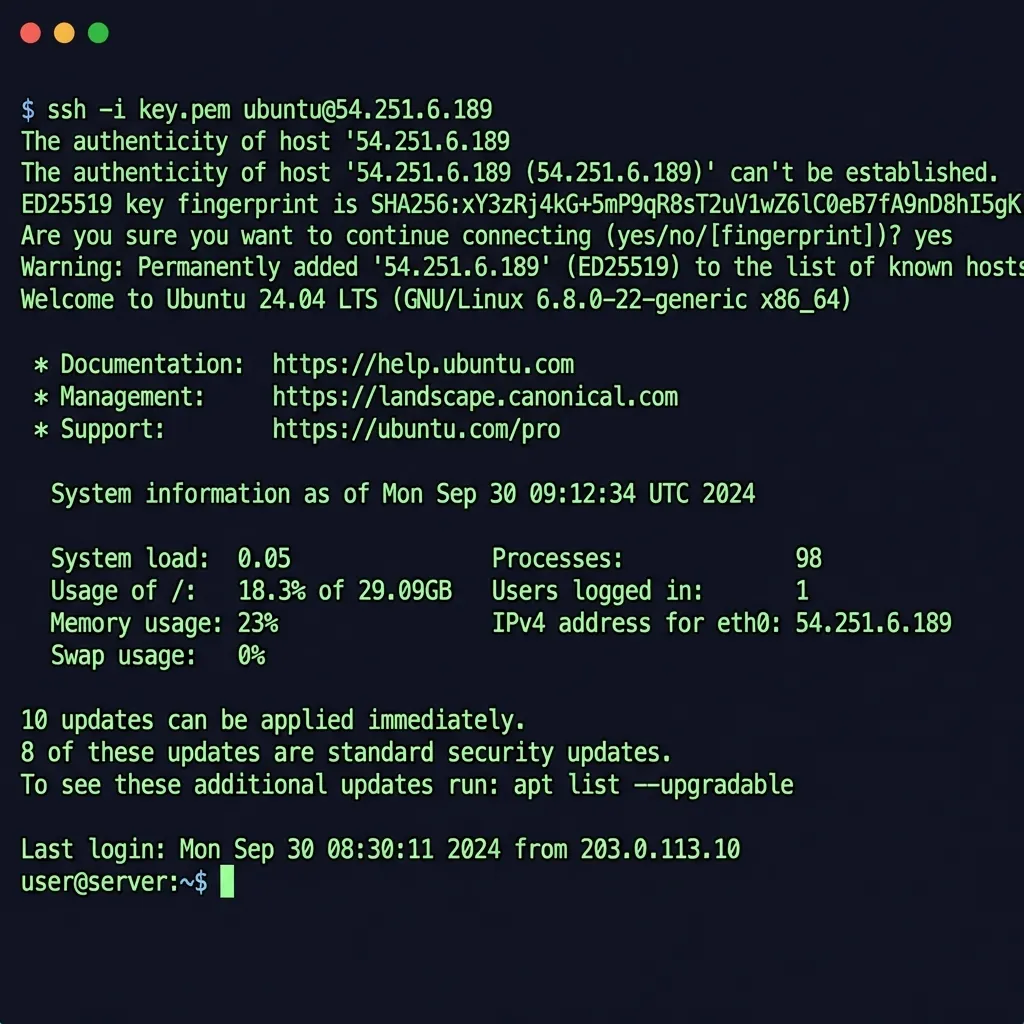
SSH config for easy access:
# Bastion
Host bastion
 HostName 54.xxx.xxx.xxx # Bastion public IP
 User ec2-user
 IdentityFile ~/.ssh/my-key.pem

# App server (through bastion)
Host app-server
 HostName 10.0.10.xxx # Private IP
 User ec2-user
 IdentityFile ~/.ssh/my-key.pem
 ProxyJump bastion
Now ssh app-server automatically jumps through the bastion.
Step 9: Database in Private Data Subnet
RDS configuration for the data tier:
- VPC: Your VPC
- Subnet group: Create a new one with private-data-1a and private-data-1b
- Public access: No
- Security group: Allow port 5432 (Postgres) or 3306 (MySQL) from app-sg only
No public access, no internet route, security group locked to app-sg. Three layers between an attacker and your data.
Testing the Architecture
- Get the ALB DNS name (something.elb.amazonaws.com)
- Open it in a browser — your app loads
- Try the app server's private IP directly — connection times out
- Try the RDS endpoint from your laptop — connection times out
Traffic enters through the ALB and nowhere else. If steps 3 and 4 succeed, your architecture is broken.
Costs
Monthly cost for this setup in us-east-1:
- NAT Gateway: ~$32/month base + $0.045/GB processed. Two AZs means $64/month before any data flows. This is the most overpriced component in the entire AWS networking stack.
- ALB: ~$16/month + LCU charges. Reasonable for what it does.
- Elastic IP: Free if attached to a running instance. $3.65/month if idle. AWS started charging for all public IPv4 addresses in Feb 2024.
For dev environments, skip the NAT gateway entirely and use VPC endpoints for S3 and ECR. Run a single AZ. Save yourself $64/month on something nobody will notice.
Quick Checklist
- ☐ VPC with /16 CIDR
- ☐ 2+ public subnets in different AZs
- ☐ 4+ private subnets (app + data tiers)
- ☐ Internet gateway attached
- ☐ Public route table with 0.0.0.0/0 → IGW
- ☐ NAT gateway in public subnet
- ☐ Private route table with 0.0.0.0/0 → NAT
- ☐ ALB in public subnets
- ☐ App servers in private subnets
- ☐ DB in private data subnet
- ☐ Security groups limiting traffic appropriately
The Final Topology
Your VPC should look like this: internet traffic hits the internet gateway, which routes to the ALB in the public subnets (10.0.1.0/24 and 10.0.2.0/24). The ALB forwards to app servers in the private app subnets (10.0.10.0/24 and 10.0.11.0/24). App servers connect to RDS in the isolated data subnets (10.0.20.0/24 and 10.0.21.0/24). The NAT gateway in the public subnet gives the app tier outbound internet access. Nothing else touches RDS directly. Not the bastion, not the NAT gateway, not the ALB. The data subnets have no route to the internet gateway and NACLs that deny everything except TCP 5432 from the app-tier CIDR. If an attacker compromises the ALB or the bastion, they still cannot reach the database without first pivoting through an app server — and the app server's security group only accepts traffic from the ALB on port 80. Every hop requires a separate compromise.
💬 Comments